Search Help
We’ve introduced a new Search feature to help you quickly find important information across your dashboard.
The Search feature helps you quickly find information and complete common tasks without navigating through multiple pages.
What Can You Search For?
You can search using:
Customer ID
Customer name
Customer email address
Booking ID
Reviews
When you search for a customer, you'll instantly see their:
Bookings
Booking IDs
Reviews
Simply click on a result to open the relevant page.
Quick Actions
Search also gives you quick access to commonly used actions. Simply open the search panel and start typing to:
Add a booking
Add a session
Create a listing
Create a customer
Create a private event
View your monthly income
Open your Business Settings
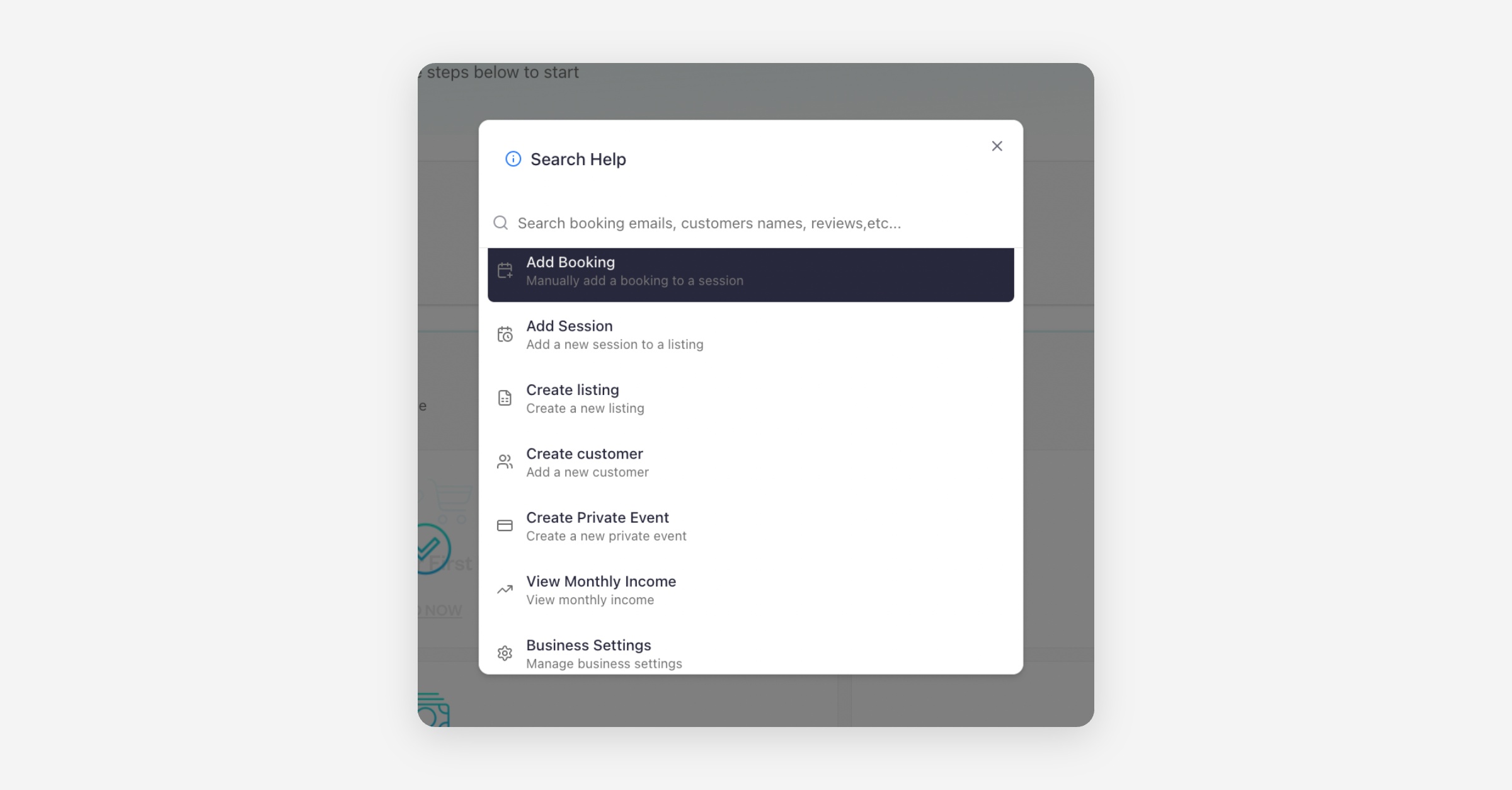
This makes it easy to jump straight to the task you need without browsing through the menu.
Where to Find It
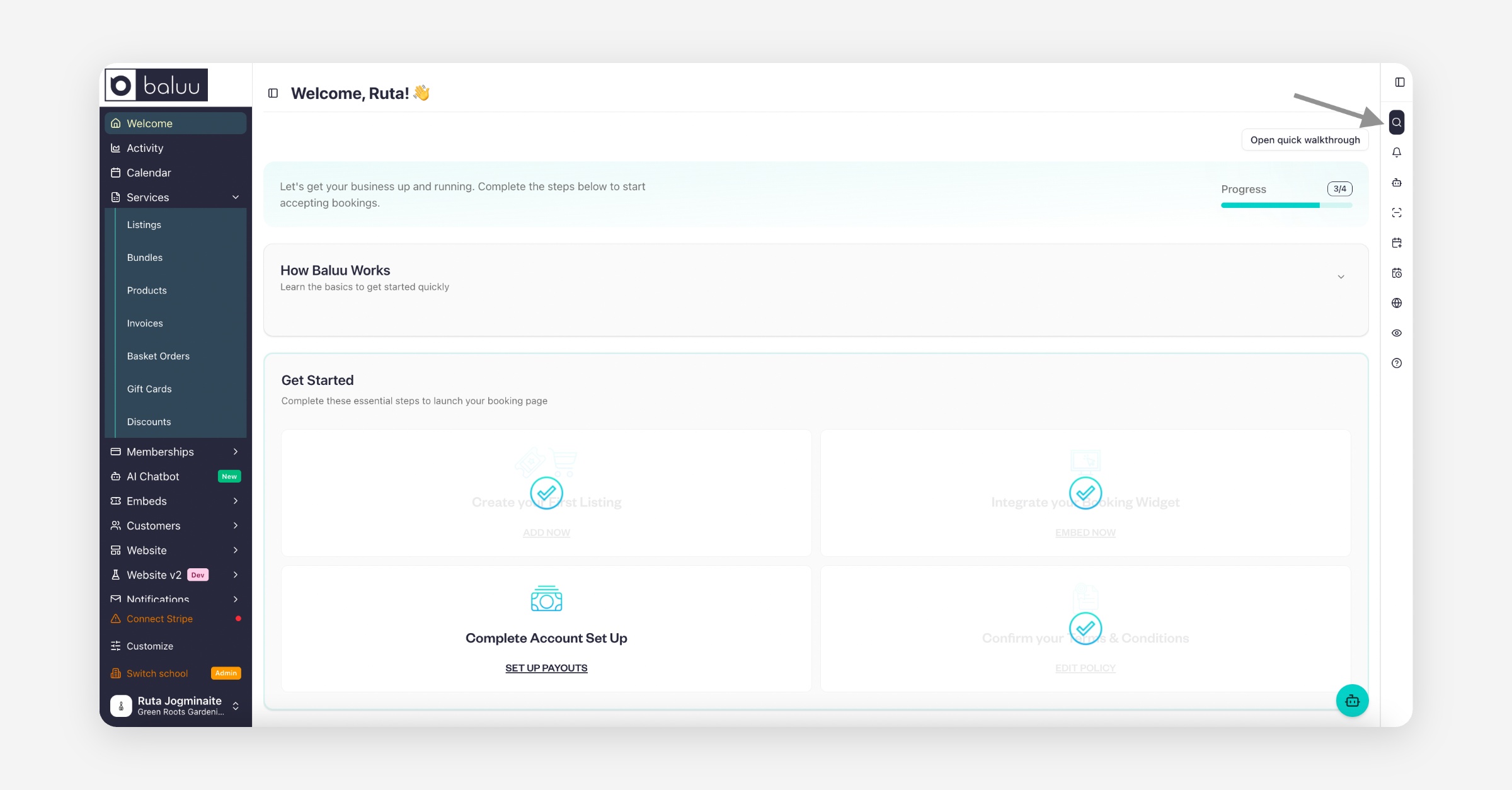
You'll find the Search icon on the right-hand side of your dashboard. Click the magnifying glass icon to open the Search panel and start searching or launching quick actions.
Was this helpful?