Docs / FAQ's
How can I cancel my events in bulk?
If you need to cancel multiple sessions at once, you can do this either from your Calendar or from a specific Event.
Option 1: Cancel Sessions from the Calendar
Go to Calendar.
Tick the sessions you want to cancel.
Click Bulk Actions.
Select Cancel all sessions
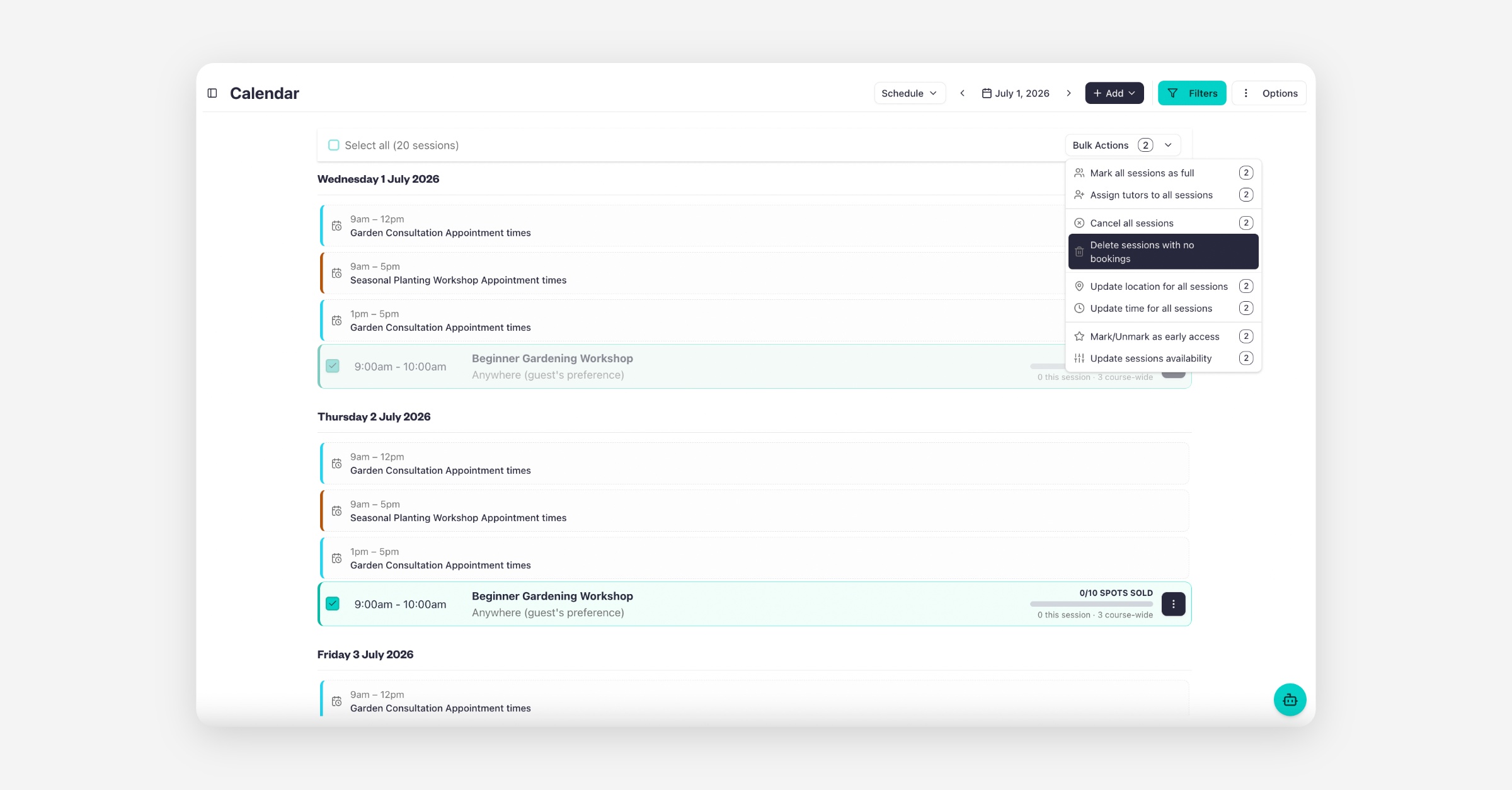
Tip: If you want to remove sessions that don't have any bookings, choose Delete sessions with no bookings instead.
Option 2: Cancel Sessions from an Event
Go to Services > Listings and open your event.
Select the Availability tab.
Tick the sessions you want to cancel.
Click Bulk Actions.
Select Cancel all sessions.
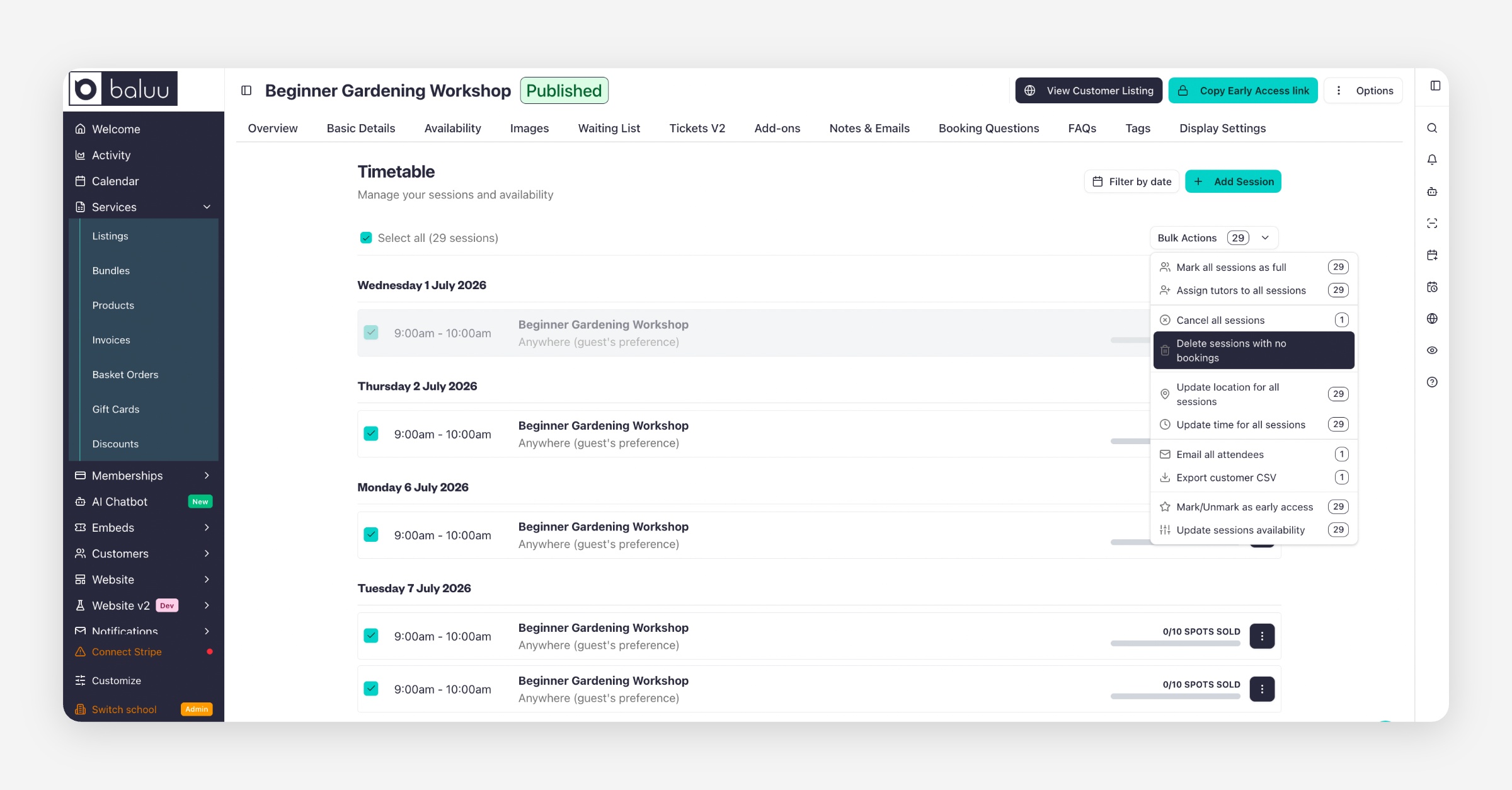
Tip: If the selected sessions don't have any bookings, you can choose Delete sessions with no bookings to permanently remove them instead of cancelling them.
Using Bulk Actions is the quickest way to manage multiple sessions without editing each one individually.
Was this helpful?