How to Manually Add an Attendee to a Session in Baluu
If a customer is unable to book online (for example, they contacted you directly or are having trouble with the booking process), you can manually add them to a session.
Add an Attendee to a Session
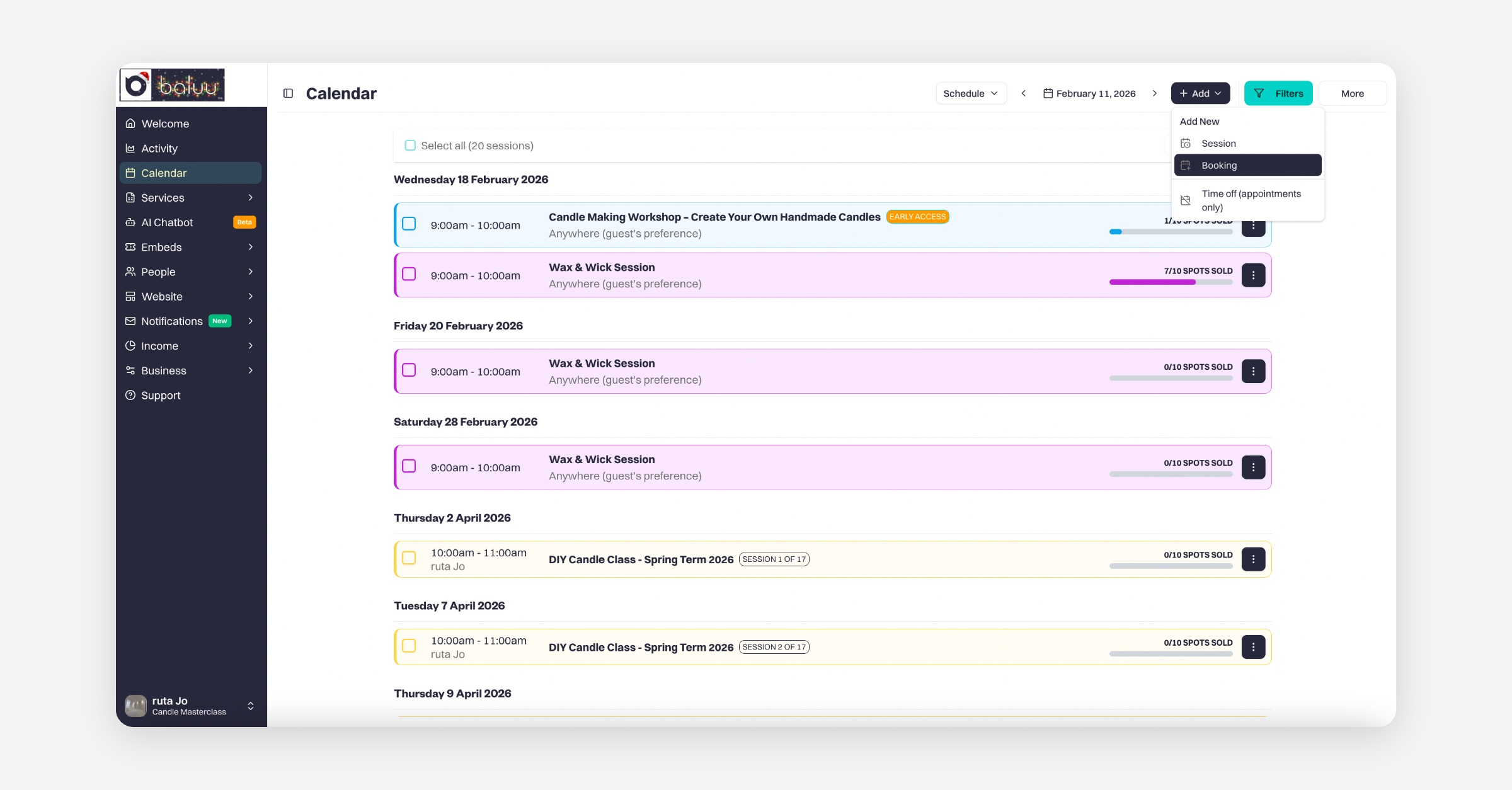
Go to your Calendar.
Click “Add” at the top of the page, then select “Booking.”
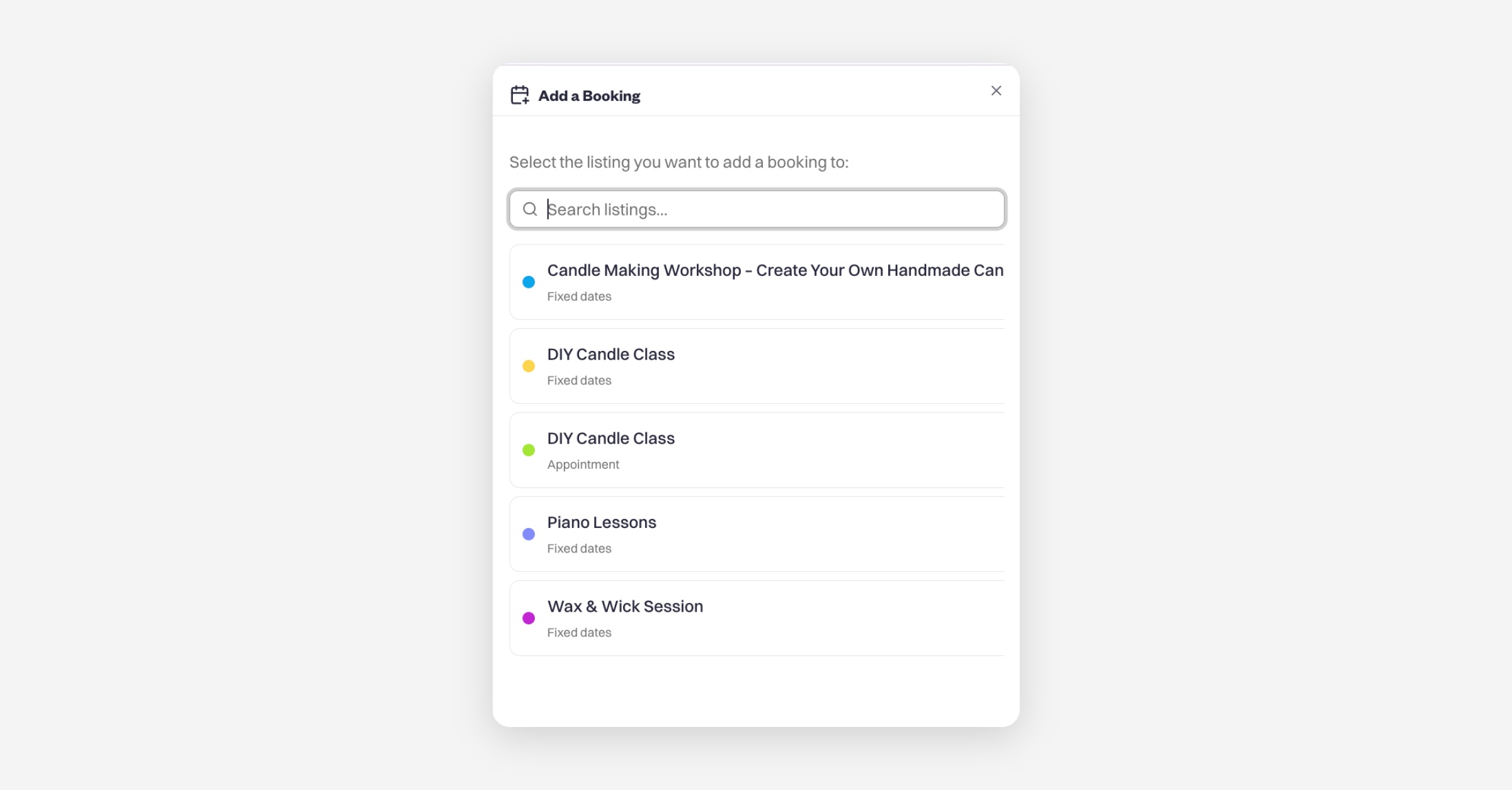
Select the listing you want to add a booking to
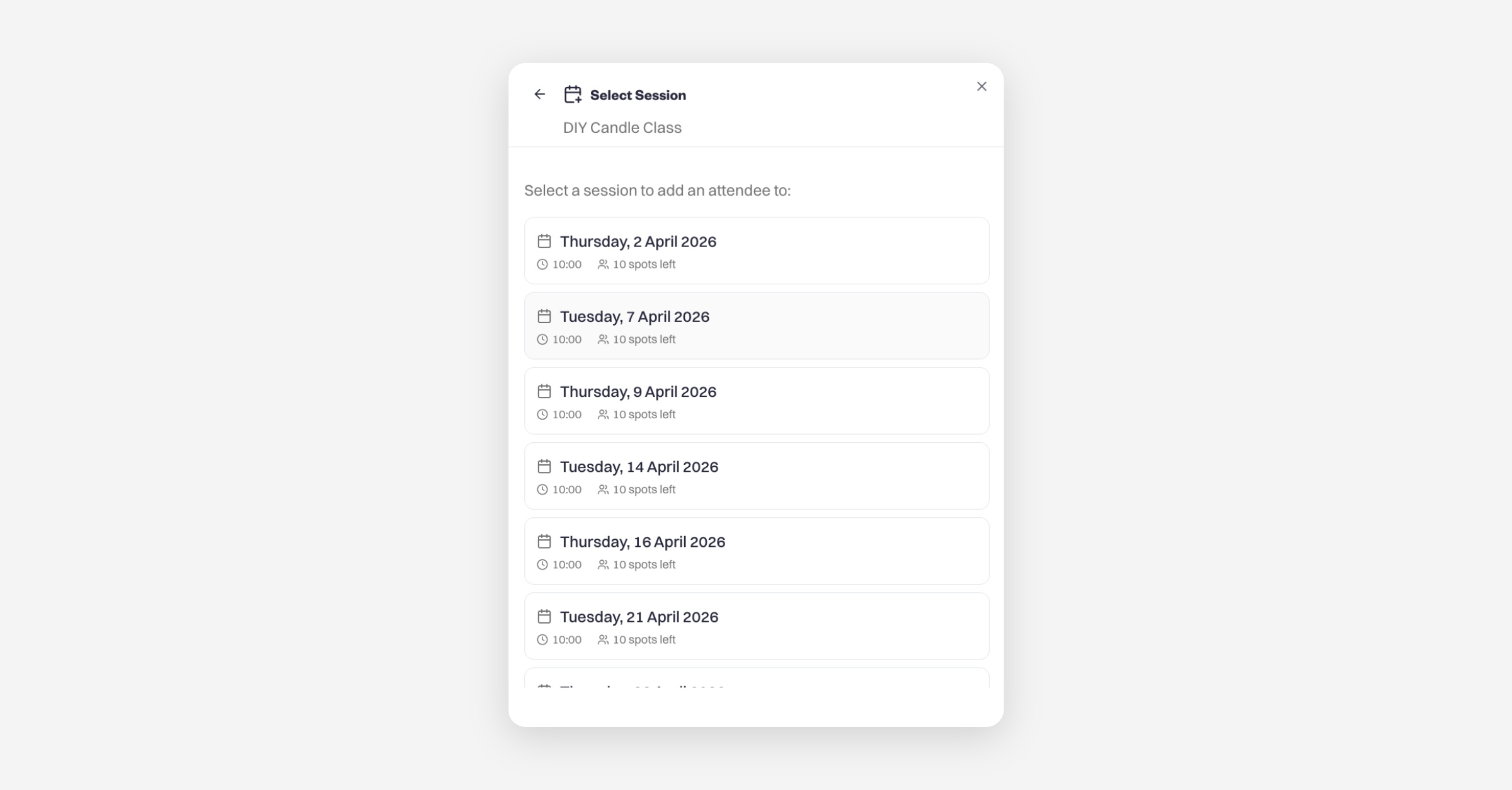
Select a session to add an attendee to
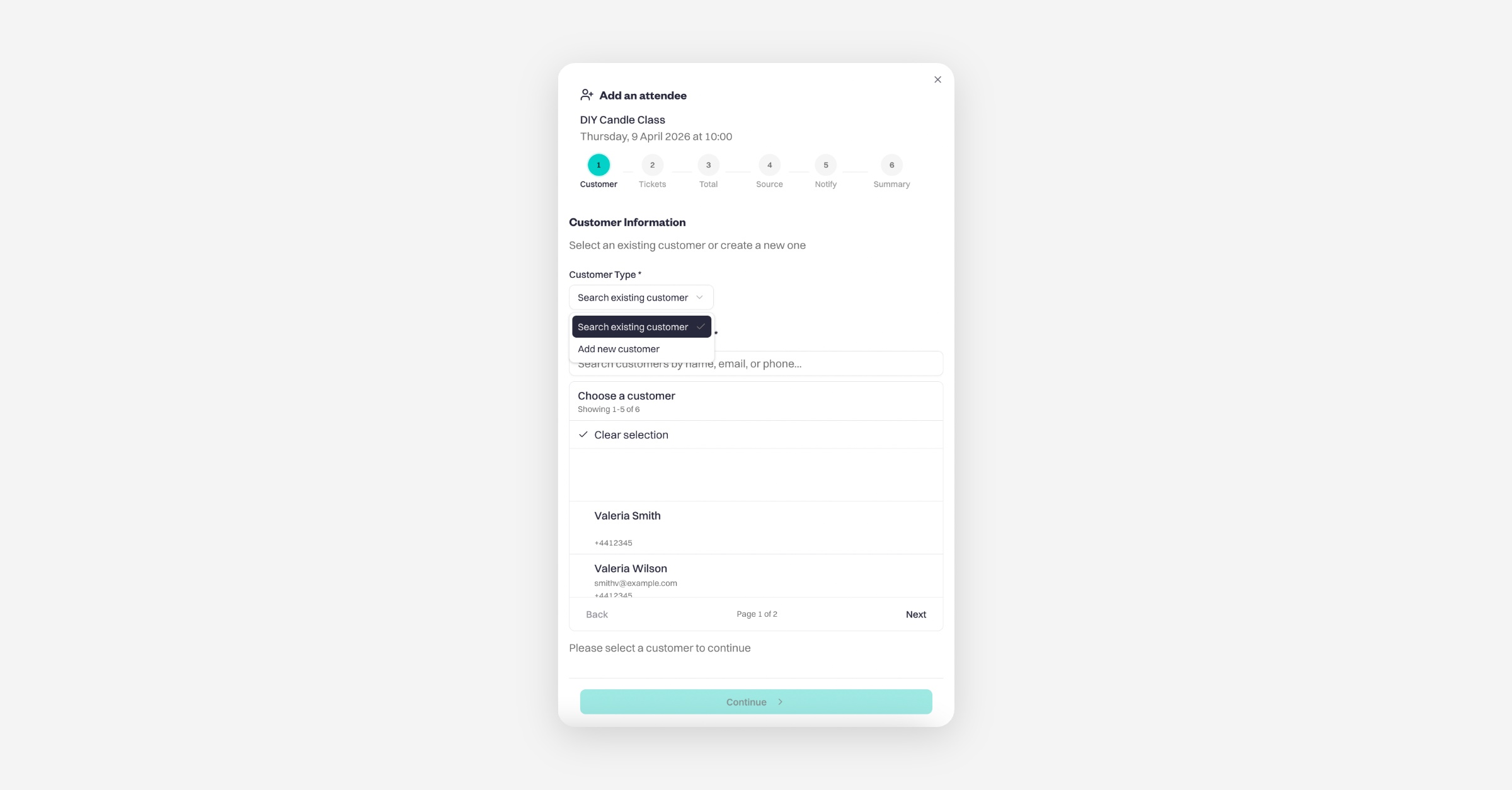
Select an existing customer or create a new one
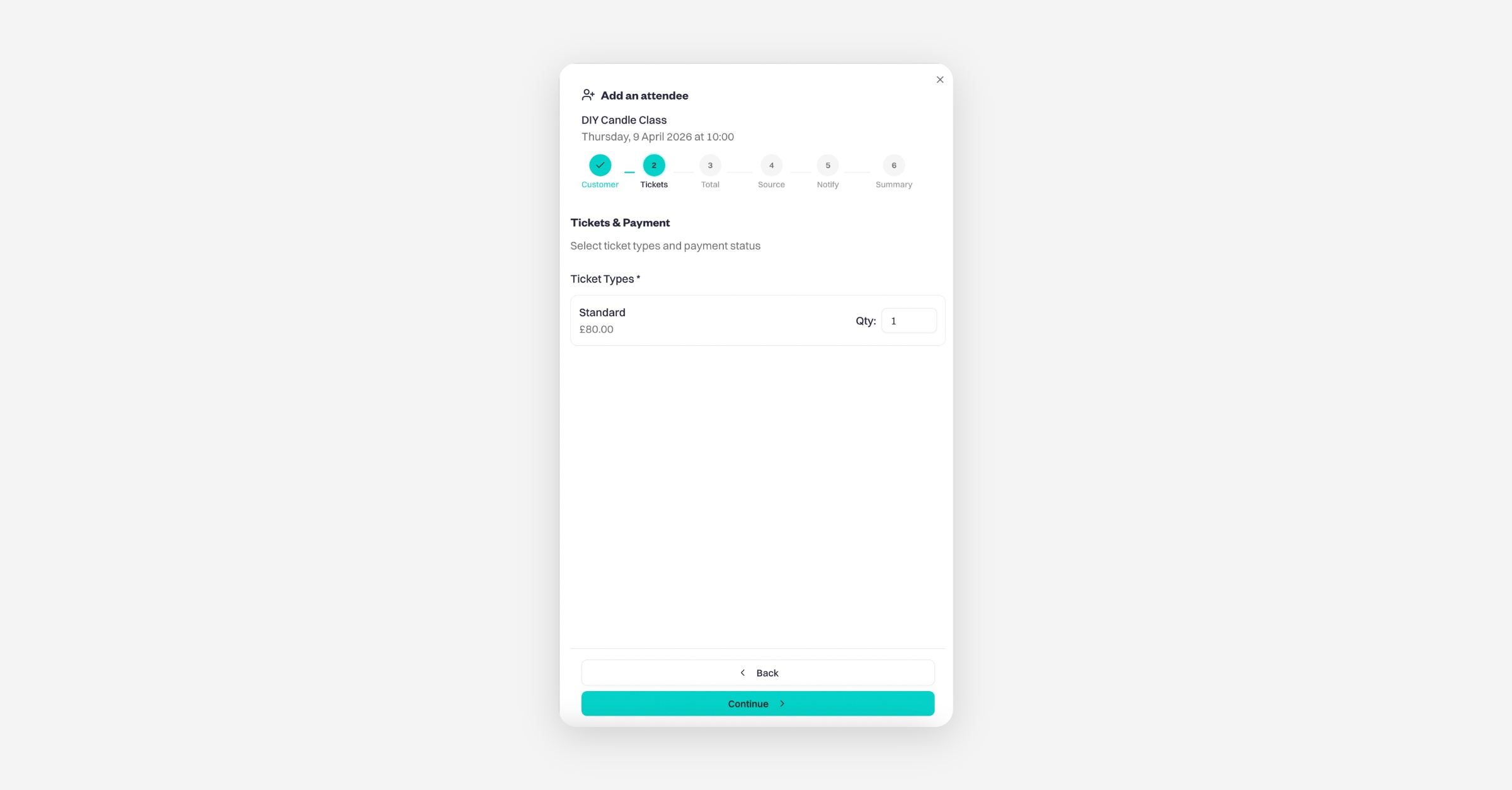
Select ticket types and payment status
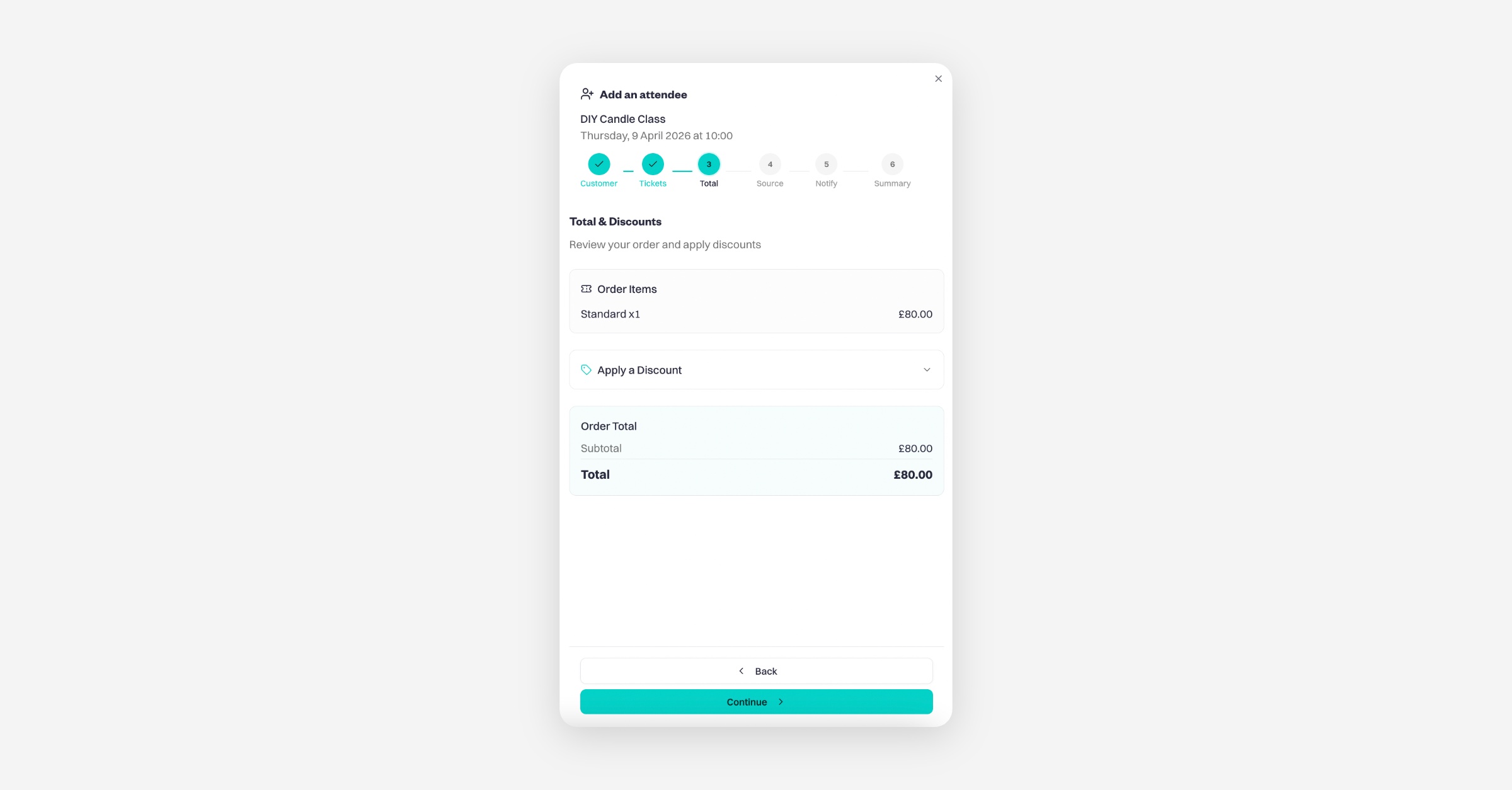
Review your order and apply discounts
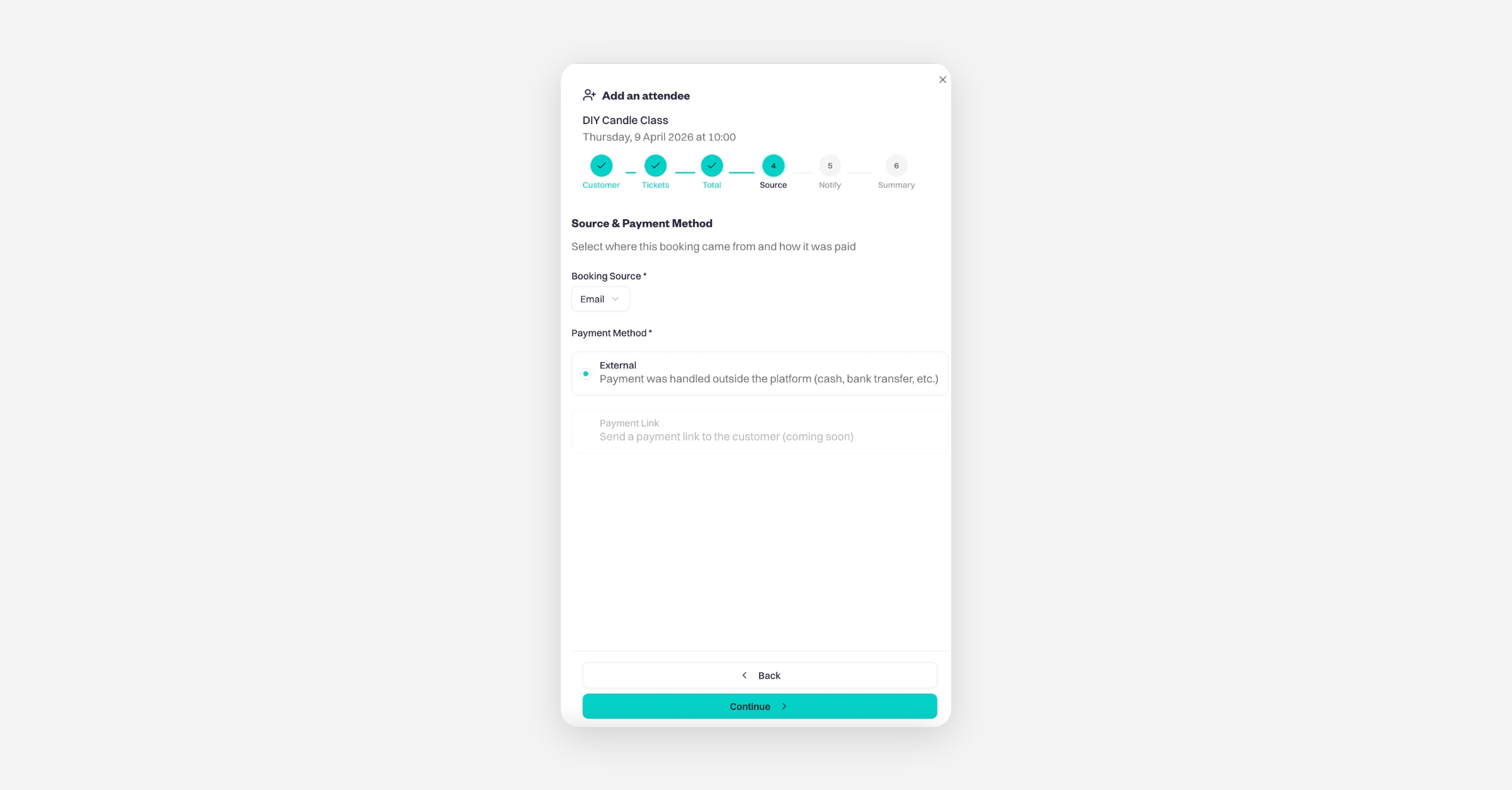
Select where this booking came from and how it was paid
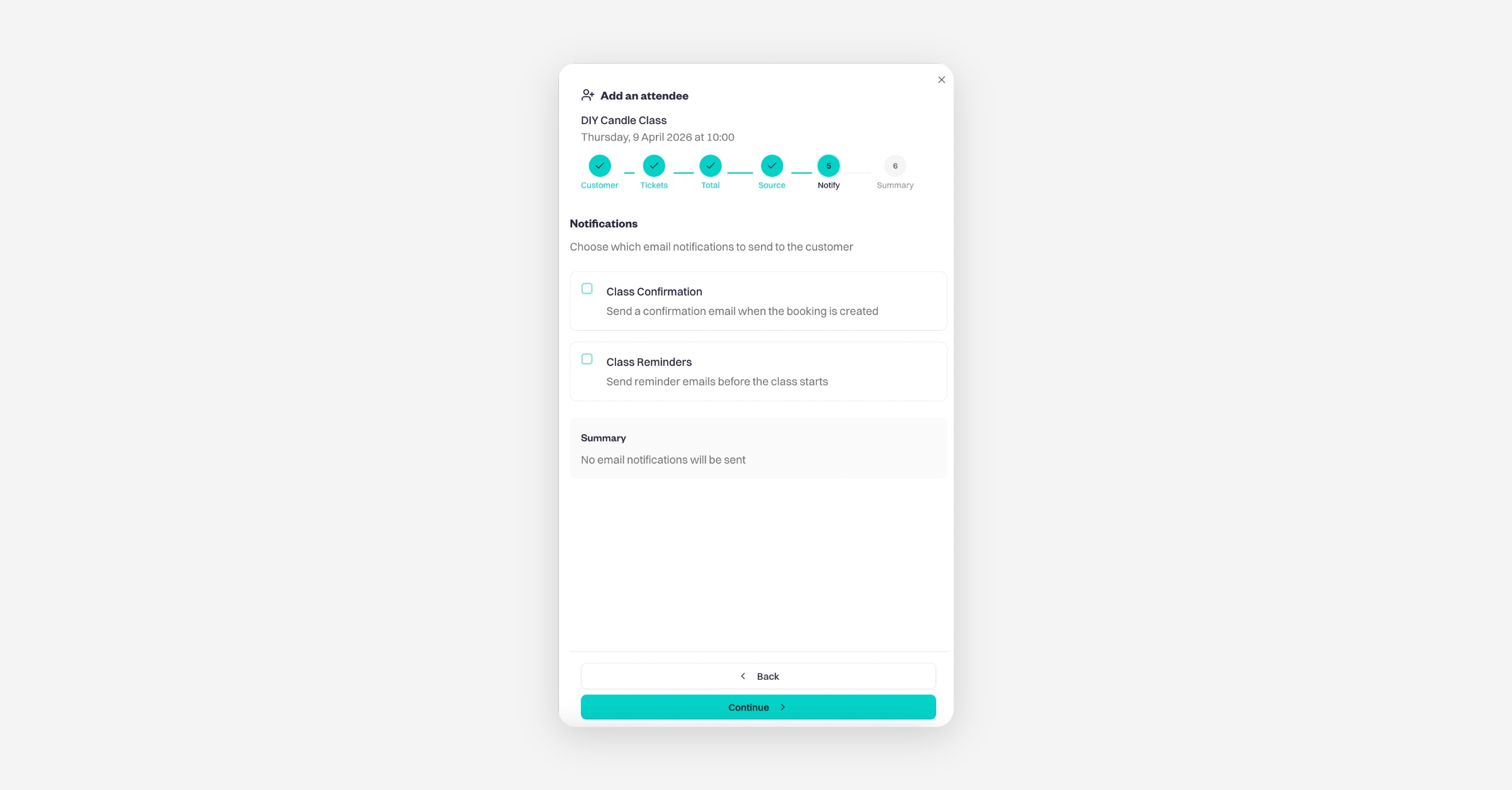
Choose which email notifications to send to the customer
Confirm the information below before creating the attendee and click 'Create Attendee'
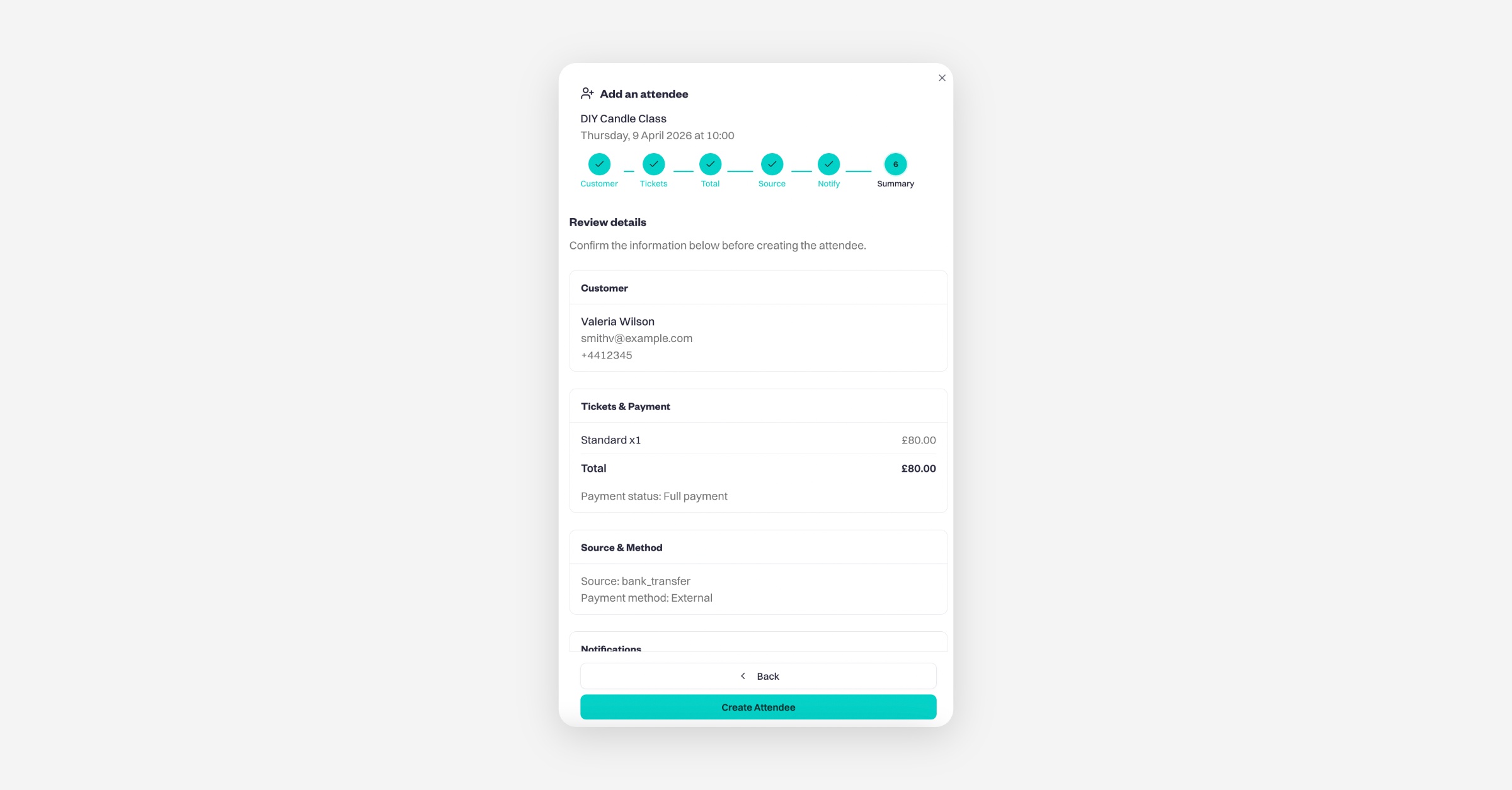
The attendee will now be added to the session.
Was this helpful?