BA
Baluu
Docs
    • How to Add a Regular Event?
    • What is Termly Event and How to Use It (trials and drop-ins)
    • How to Create an Appointment Event?
    • Managing Tickets & Pricing
    • Can I sell products on Baluu?
    • Notes & Auto-Emails
    • What happens when I get a booking?
    • Event FAQs
    • Booking Questions
    • Images
    • Logging into your Baluu Dashboard
    • Struggling to login
    • New article
    • Step-by-step guide to create your Baluu website
    • Getting Started: Understanding Availability Types
    • Calendar View
    • Managing Reviews and Post-Event Emails in Baluu
    • How Do I Create Gift Cards?
    • How to Manage and Create Discount Codes?
    • How to Add and Manage Team Members?
    • How to Access Invoice from Baluu and Manage Billing
    • Customer Login Centre - How customers can manage their bookings on Baluu
    • Customers Section
    • How to Set Up and Sell Memberships on Baluu
    • How to add Booking Policies
    • Recommended Baluu Website Image Guidelines
    • How to Create and Send Newsletters in Baluu
    • Baluu Event Types and Which One to Choose?
    • Early Access Events
    • How to Display Your Baluu Reviews on an External Website?
    • How to Embed Baluu into Your Website
    • Your Social Media Profiles
    • Webpage Navigation Bar
    • Your Logo
    • When I Can't Reduce the Availability by One

Recommended Baluu Website Image Guidelines

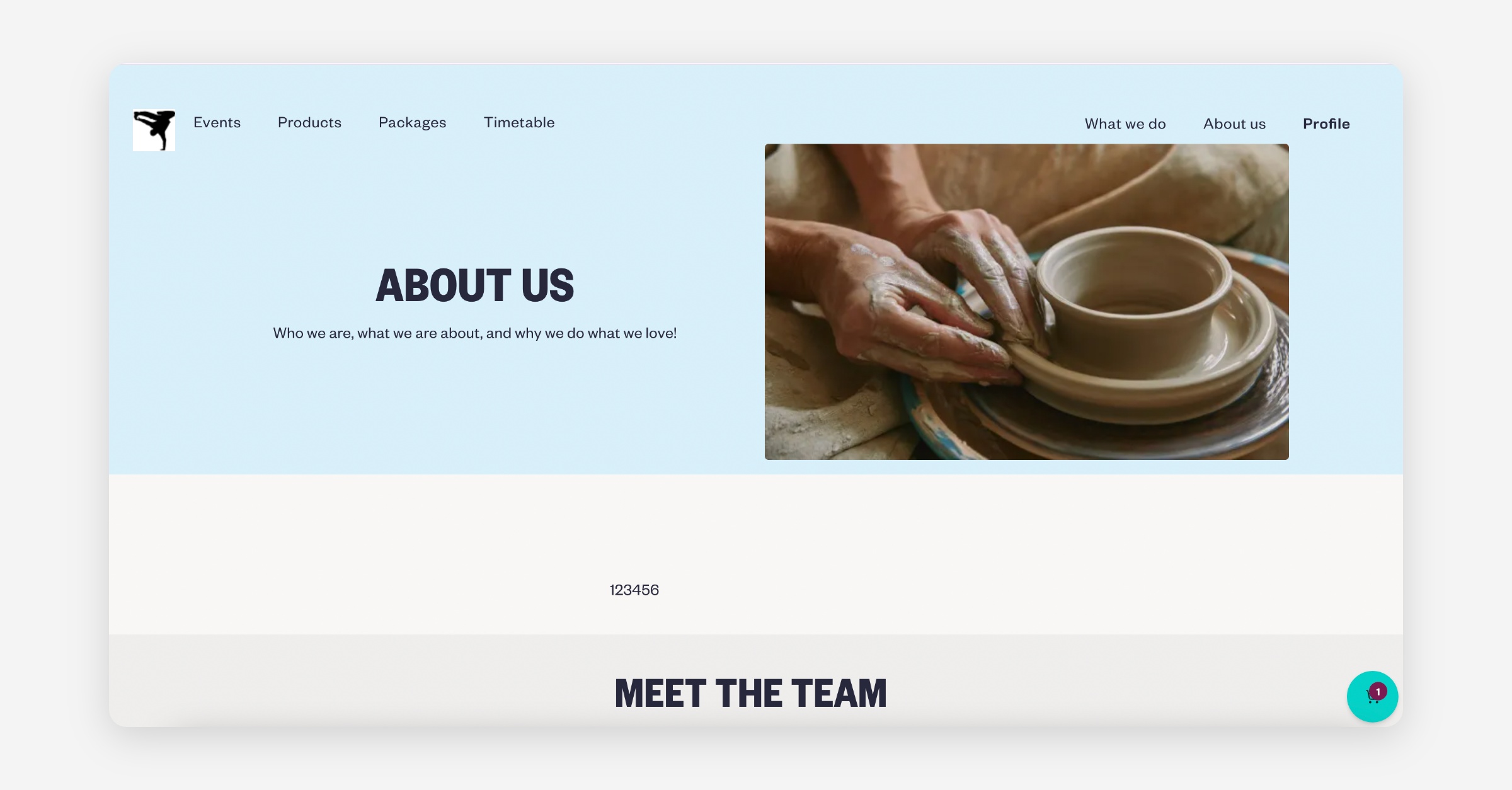
Heading / Hero / About Us Images

1400 x 788 px or similar wide landscape ratio

Use for:

  • Homepage top image

  • About Us image

  • Timetable etc.

Logo

500 x 500 px

Best as:

  • PNG

  • Transparent background

  • Centred with padding

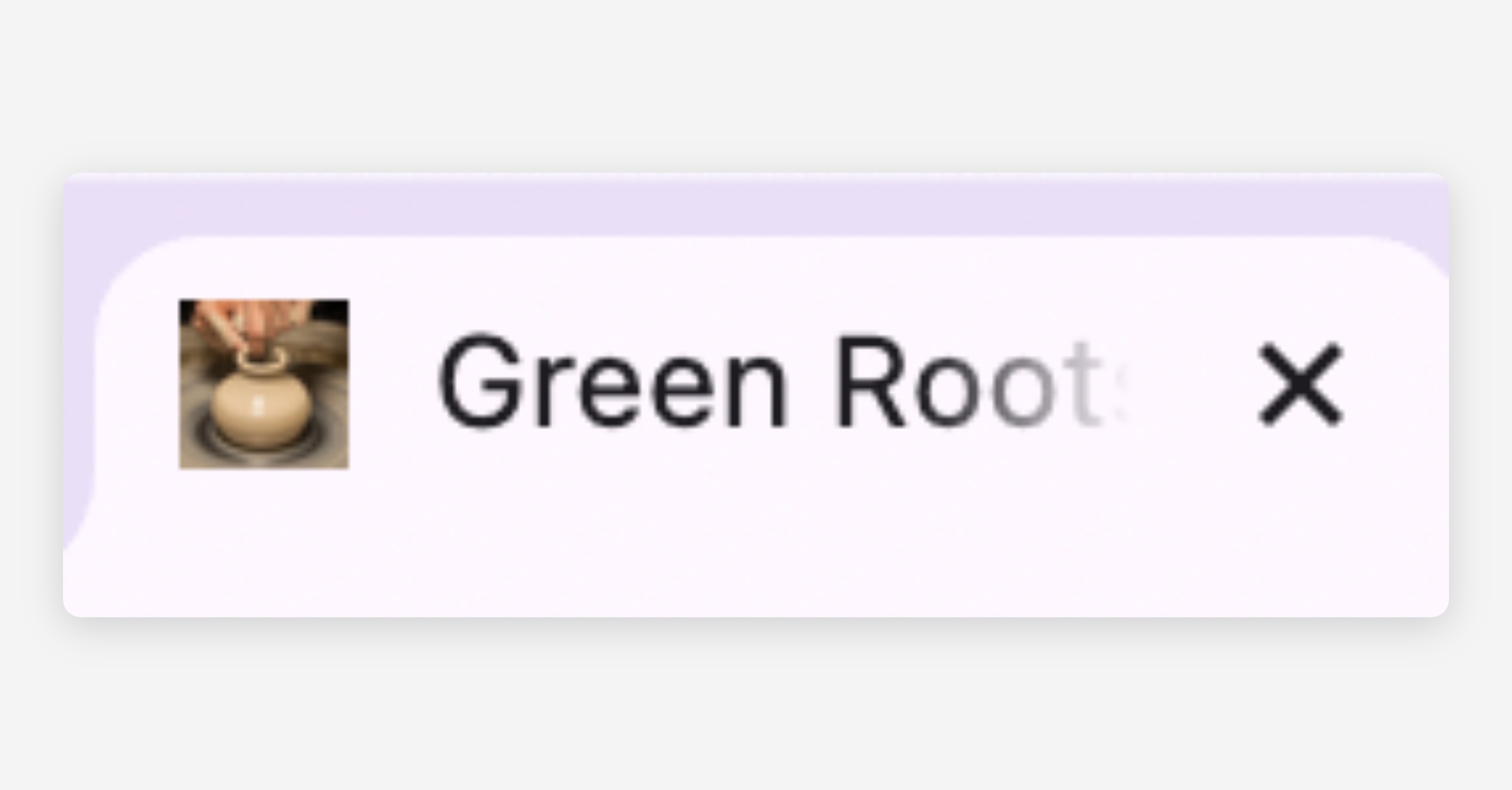
Favicon

64 x 64 px

PNG recommended.
PrevHow to add Booking Policies
NextHow to Create and Send Newsletters in Baluu
Was this helpful?