BA
Baluu
    • How to Add a Regular Event?
    • What is Termly Event and How to Use It (trials and drop-ins)
    • How to Create an Appointment Event?
    • Managing Tickets & Pricing
    • Can I sell products on Baluu?
    • Notes & Auto-Emails
    • What happens when I get a booking?
    • Event FAQs
    • Booking Questions
    • Images
    • Logging into your Baluu Dashboard
    • Struggling to login
    • New article
    • Step-by-step guide to create your Baluu website
    • Getting Started: Understanding Availability Types
    • Calendar View
    • Managing Reviews and Post-Event Emails in Baluu
    • How Do I Create Gift Cards?
    • How to Manage and Create Discount Codes?
    • How to Add and Manage Team Members?
    • How to Access Invoice from Baluu and Manage Billing
    • Customer Login Centre - How customers can manage their bookings on Baluu
Docs / Getting Started

Logging into your Baluu Dashboard

Logging into your Baluu Dashboard is really quick and easy. Just follow these 3 simple steps:

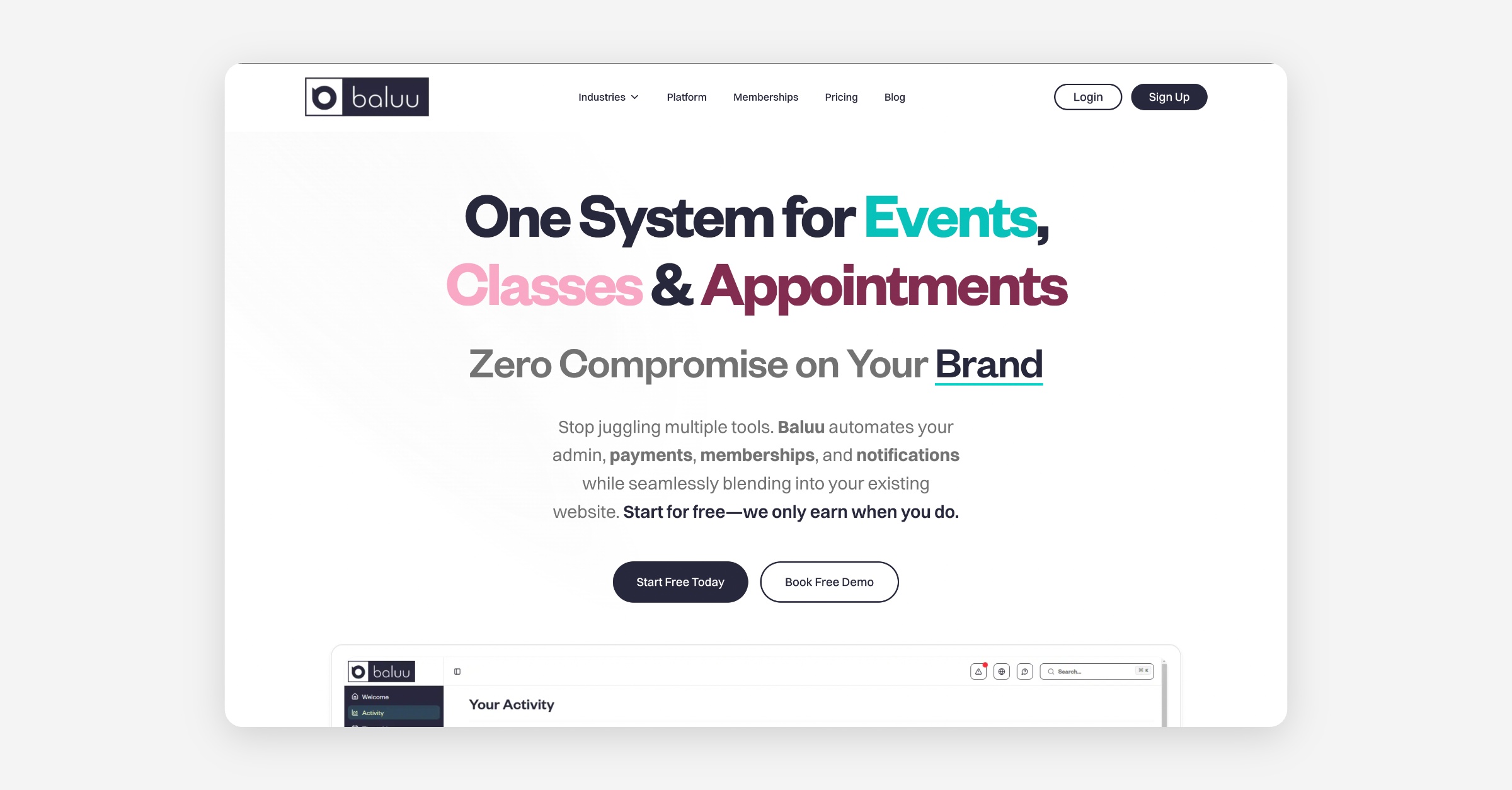
Click the "Log In" button on the top right of the Baluu homepage. If you don't see the Login button, it means you are already logged in.
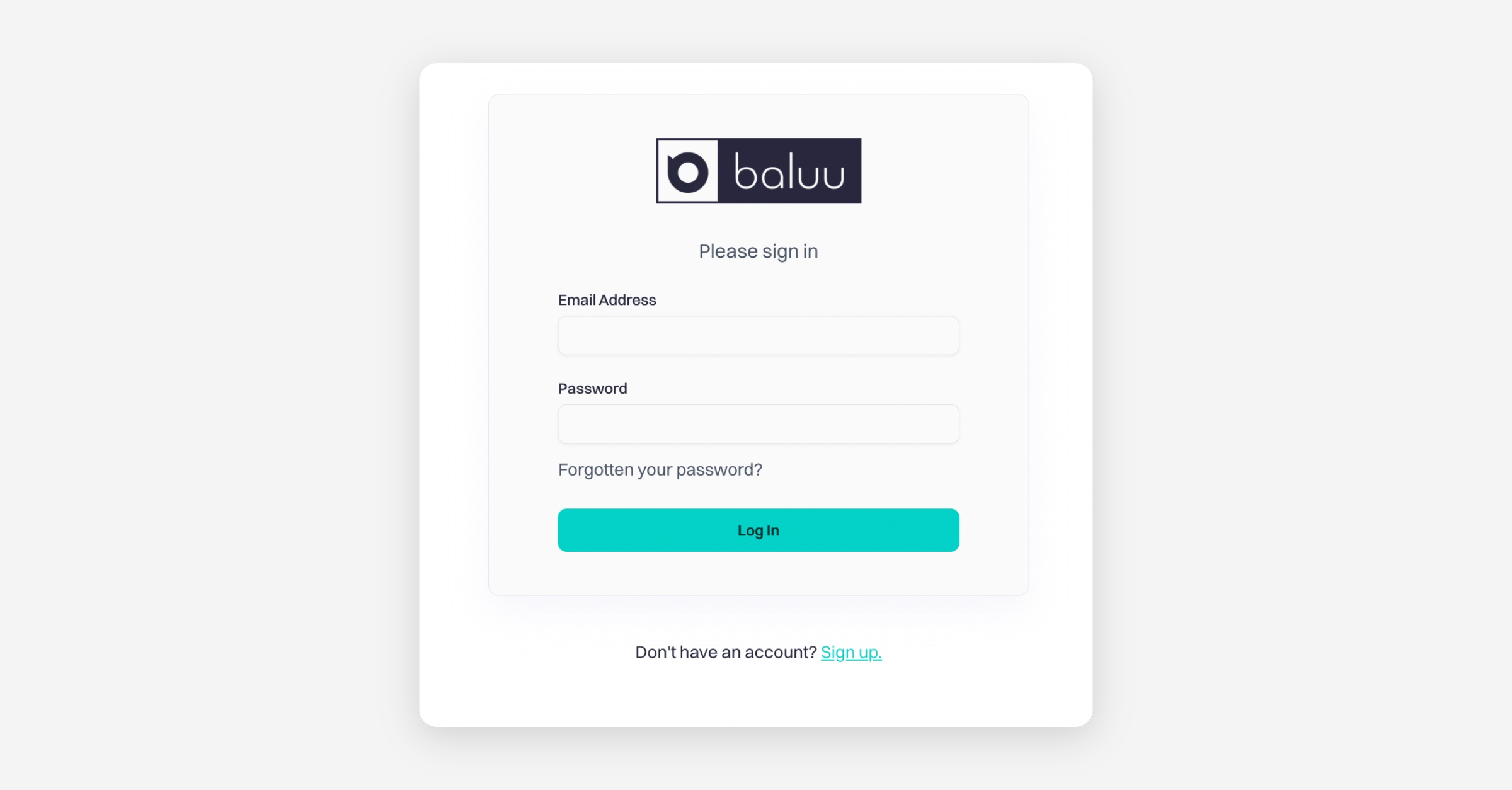
A new page will open, enter the login details that is provided to you by email after you signed up to Baluu in the space provided and click 'Log in'.
Once you have logged in, we recommend you save your login details in your browser so that it automatically keeps you logged in each time.

PrevImages
NextStruggling to login
Was this helpful?